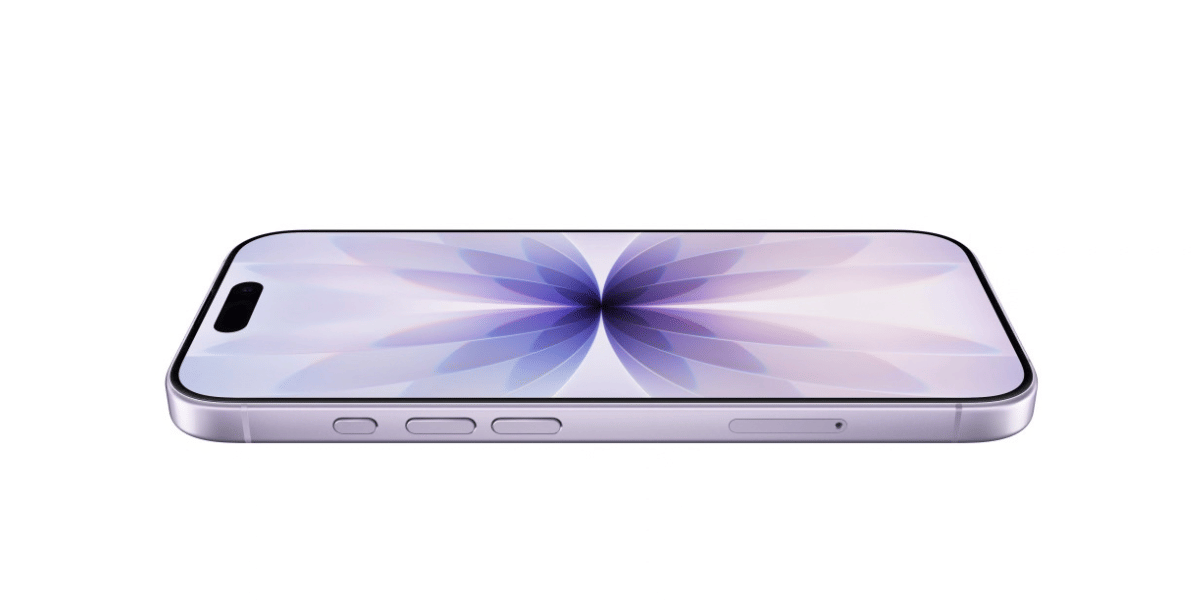
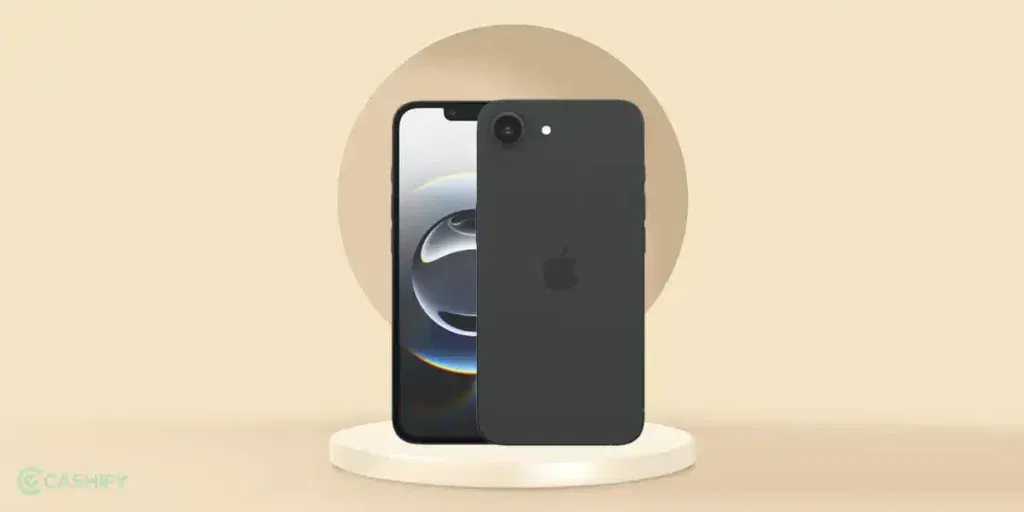
If your Apple iPhone 16e is practically whispering things to you even when the volume slider is slammed all the way to 100 percent, that’s a red flag. Music sounds like it’s coming from another room, videos are a struggle, and calls feel like the other person is mumbling under a pillow. Super annoying, right? Time to fix the Apple iPhone 16e speaker low volume.
Most of the time, this isn’t a hardware disaster. It’s usually a software setting, a bit of dust, or one of those iOS updates that loves to mess with us. Let’s look at the best fixes that actually work for the iPhone 16e speakers.
Also read: OnePlus Nord 4 Face Unlock Not Working? Here’s How To Fix It!
Ways To Fix Apple iPhone 16e Speaker Low Volume
1. Rule Out the Obvious (30 seconds)
Do this first:
- Make sure nothing is physically blocking the speakers. Take off your case and screen protector for a minute. Sometimes those thick ones sit right over the bottom speaker grille.
- Disconnect any Bluetooth devices (AirPods, car stereo, etc.). Go to Settings > Bluetooth and tap the “i” next to any connected device – Forget This Device. Then test the volume again.
- Swipe down Control Centre and drag the volume slider all the way up while playing something loud.
Still quiet? Keep reading.
Also read: Apple iPhone 16e Front Camera Not Working? Easy Repair & Replacement Guide!
2. Turn Off Attention Aware Features (This One Saves Lives)
The iPhone 16e’s Face ID is smart… sometimes too smart. It has a feature called Attention Aware that automatically lowers the volume if it thinks you’re looking at the phone. Super handy for notifications, terrible when it kills your music.
Here’s the fix:
- Open Settings > Face ID & Passcode
- Enter your passcode
- Scroll down and toggle Attention Aware Features OFF
3. Check Volume Limit & “Reduce Loud Sounds”
Apple hides a safety limiter that caps how loud your phone can get (great for your ears, bad when it’s stuck on).
Go to:
- Settings > Sounds & Haptics
- Tap Volume Limit (or Headphone Safety > Reduce Loud Sounds) and make sure it’s turned all the way up or off.
While you are here, also check that Change with Buttons is toggled ON so the side buttons actually control speaker volume.
Also read: Apple iPhone 17 Front Camera Repair Under 5000: Fix Blurry Or Non-Working Selfie Camera
4. Clean the Speaker Grille Like a Pro (No Damage!)
Dust, lint, and pocket fluff enter into the bottom speaker on the iPhone 16e. It muffles everything.
Safe cleaning method (do this once a week):
- Power off your phone.
- Use a soft toothbrush or the soft-bristle side of an anti-static electronics brush.
- Gently brush the speaker holes in small circles – never press hard.
- For stubborn gunk, use a can of compressed air (short bursts, hold it upright) from about 6 to 8 inches away.
Pro tip: Shine a flashlight into the grille first so you can see exactly where the dirt is hiding.
5. Restart + Update iOS
Bugs after iOS updates are ridiculously common on the iPhone 16e.
Quick restart:
- Press and hold the side button + volume up (or down) until the power slider appears > slide to shut down > wait 30 seconds > turn back on.
Then:
- Go to Settings > General > Software Update and install anything available. Apple has quietly fixed volume issues in several 2025 to 2026 updates.
Also read: Broken Back Glass on iPhone 11? Replace It Quickly!
6. Accessibility Settings That Actually Help
Sometimes iOS accessibility settings get accidentally flipped:
- Settings > Accessibility > Audio & Visual
- Turn Mono Audio OFF
- Turn Phone Noise Cancellation ON (this one helps a lot during calls)
- While you are in Accessibility, scroll to Hearing and make sure nothing is enabled that shouldn’t be.
When It’s Actually Hardware (And What to Do)
If you have tried everything above and it’s still super quiet. It could be a loose connection, speaker module issue, or (rarely) something from a drop or liquid exposure. In that case, don’t keep forcing it. Head straight to a reliable professional mobile repair platform.
Fix Apple iPhone 16e Speaker Low Volume Issues With Cashify
Cashify’s certified mobile phone repair platform has been trusted for many years by hundreds of users. Expert technicians here take precise care when it comes to iPhone repair. So, if you have the latest Apple iPhone 16e, whose speaker volume is not up to the mark, come to Cashify without hesitating. Get top-notch service along with a perfectly working device that you love so much. Enjoy free doorstep convenience, quick phone repair, and discounts with Cashify.
Also Read: How Can Cashify Smart Repair Service Enhance Your Mobile Repair Experience?
Final Thoughts
Stop worrying about a close to mute iPhone 16e when you have Cashify by your side. Be prepared for a super professional, smooth, and affordable service that you can keep coming back to (only when you need it). Use the Cashify app or website today and schedule a phone repair.
Right now, you can use code ‘TECH25’ before checkout via online booking. You can avail yourself of up to Rs. 300 off on orders with a minimum value of Rs. 2499.
If you’ve just bought a new phone and don’t know what to do with your old phone, then here’s your answer. Sell old mobile to Cashify and get the best price for it. If you are planning to buy a new phone, check out Cashify’s refurbished mobile phones. You can get your favourite phone at almost half price with six-month warranty, 15 days refund and free delivery.